
Start with your actual daily garment count
Before you look at image quality or machine size, work out how many garments you need to print on a normal week. A shop doing 20 to 40 tees a day has very different needs from one handling 150 mixed items with names, numbers and short colour runs. If you buy too small, orders back up and you end up working late. If you buy too large, you carry cost you may not use every day.
Write down your average order size, the fabric types you print most often, and how many urgent jobs come in after 2pm. In Midrand, Sandton and Pretoria, many print shops deal with same-day work for events, schools and small retail drops, so turnaround matters as much as speed on paper.
- Count your normal garments per day, not your busiest day
- Note how many are white, how many are dark, and how many need two-sided work
- Check whether your orders come in batches of 1 to 10 or 20 to 50
- Plan for growth over the next 12 to 24 months
Match the printer to the fabric and garment style
DTG works best on cotton-rich garments, especially tees, hoodies and tote bags. If you print mostly dark cotton, you will need a machine and consumables that handle white underbase properly. If your work includes mixed fabrics, test every garment type before you commit. A printer that handles one style well may struggle when you move to poly blends or textured fabric.
Also think about garment size and platen options. Smaller platen sizes suit babywear and sleeves, while larger platens help with full front prints on adult tees and hoodies. If you print a lot of workwear, make sure the platen setup suits thicker seams and heavier fabric. Coastal humidity can also affect garment storage, so keep blanks dry and sealed where possible.
- Ask what fabric mix your normal jobs use
- Confirm platen sizes for youth, adult and specialty items
- Check whether the machine suits light and dark garments
- Store blanks away from damp air and open doors
Know the pretreatment process before you buy
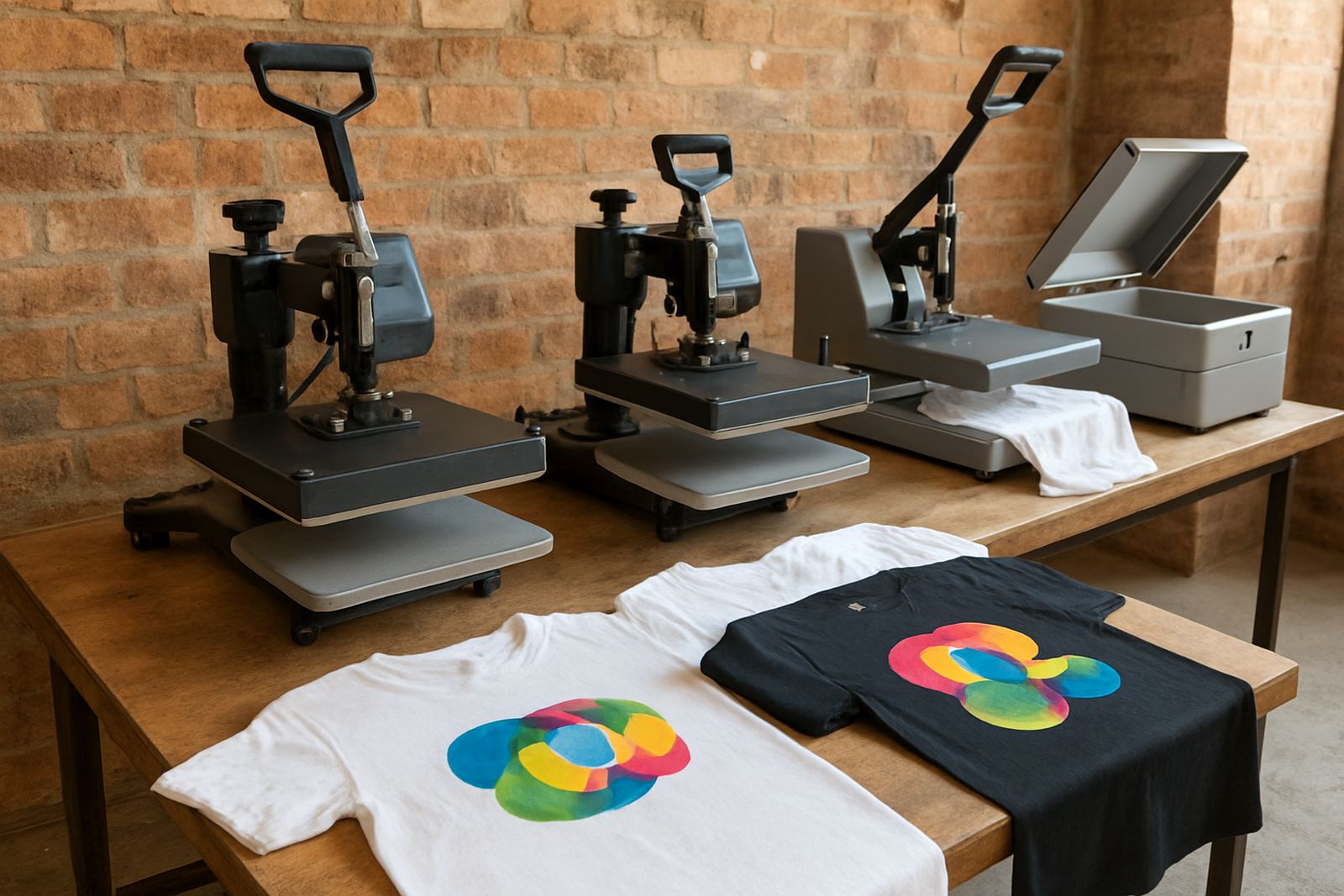
Pretreatment is where many first-time buyers get caught out. Dark garments usually need a pretreatment stage so white ink can sit properly on the fabric and the print washes well. That means you need space, a clean workflow and someone who can apply the solution evenly. If pretreatment is rushed, you get patchy colour, low wash durability and more reprints.
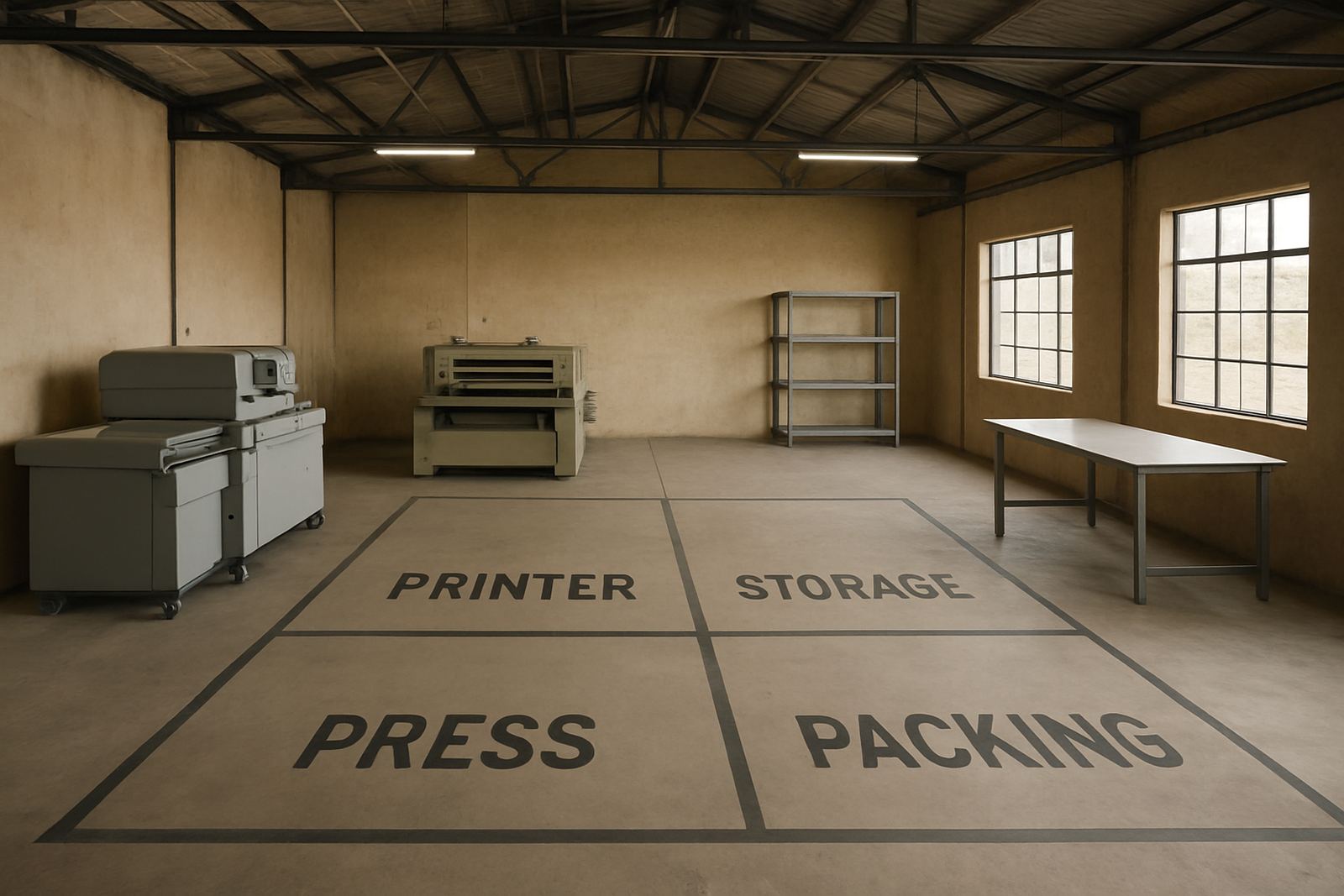
Ask how the pretreatment is applied, how much space is needed for drying, and whether your team can manage the extra step during busy periods. In a small workshop, a simple setup may be better than a complicated line. In larger jobs, you need a repeatable process with measured application and good ventilation. During load-shedding, think about backup power for curing and drying too, not only the printer itself.
- Confirm pretreatment time per garment
- Allow space for drying racks or curing equipment
- Use even spray coverage, no wet patches
- Plan for backup power if you cure or dry electrically
Choose print speed with your real workflow in mind
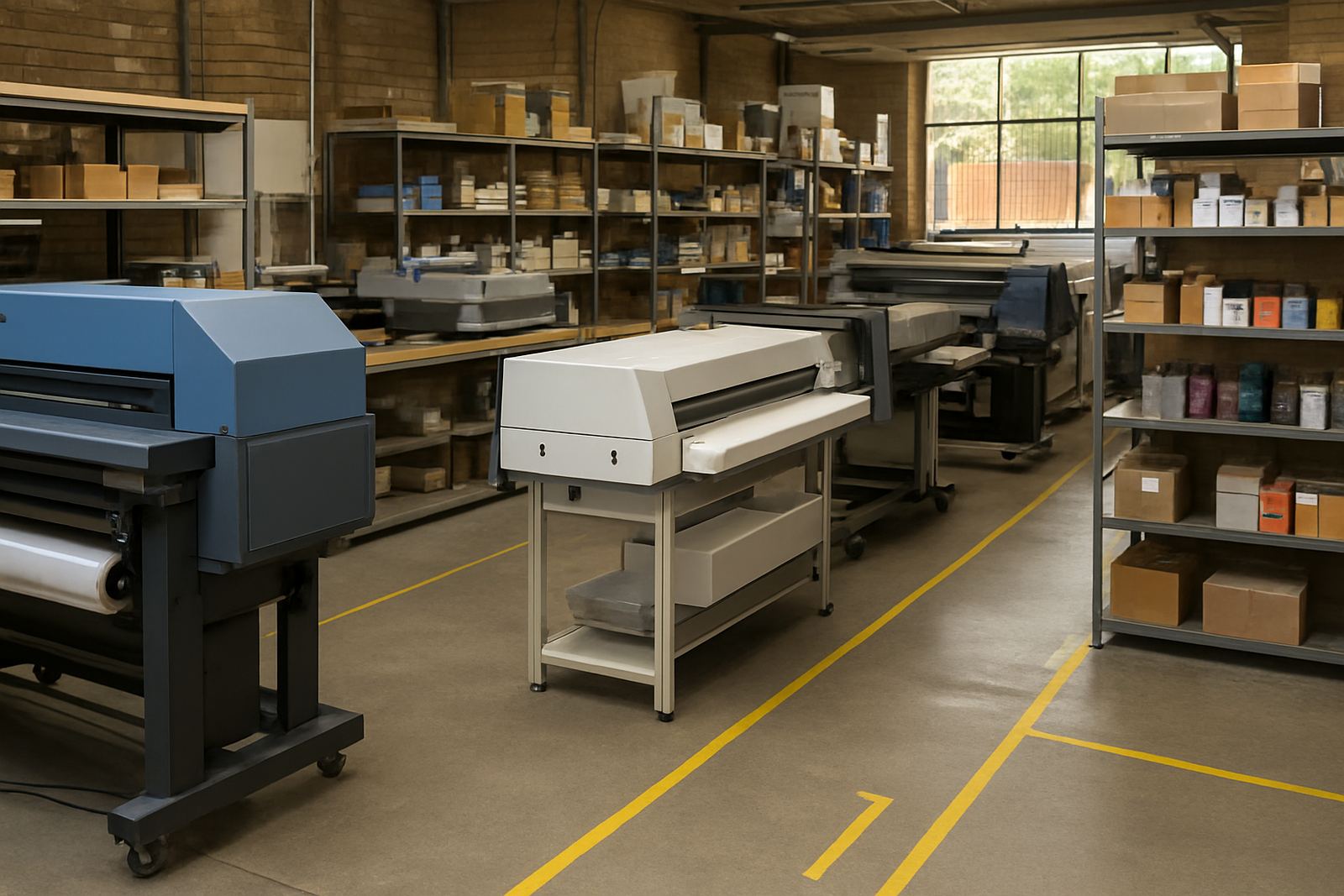
Speed is useful, but only if the whole job moves at the same pace. A printer may be quick on a single A4 design, yet slow down once you add dark garments, multiple colours or frequent platen changes. Look at your full cycle time: loading, pretreatment, printing, curing and packing. That is the number that matters when customers are waiting.
For short-run colour work, a steady printer that keeps registration and ink flow consistent is often better than a machine that looks fast on a brochure but loses time through stoppages. A busy shop in the East Rand may need high daily throughput, while a smaller label and garment shop in the West Rand may value accuracy and low waste more than raw speed.
- Check full job time, not just print time
- Ask how often the machine needs head cleaning
- Factor in platen changeover for different garment sizes
- Allow time for curing and cooling before packing
Check operator fit, training and maintenance needs
The best DTG printer is only as good as the person running it. You need someone who can follow a process, spot nozzle issues early, and keep the machine clean. If your staff changes often, pick a setup that is easy to train and does not depend on one expert. That matters for print shops working across Johannesburg, Pretoria and the surrounding areas where teams may share jobs and shift duties.
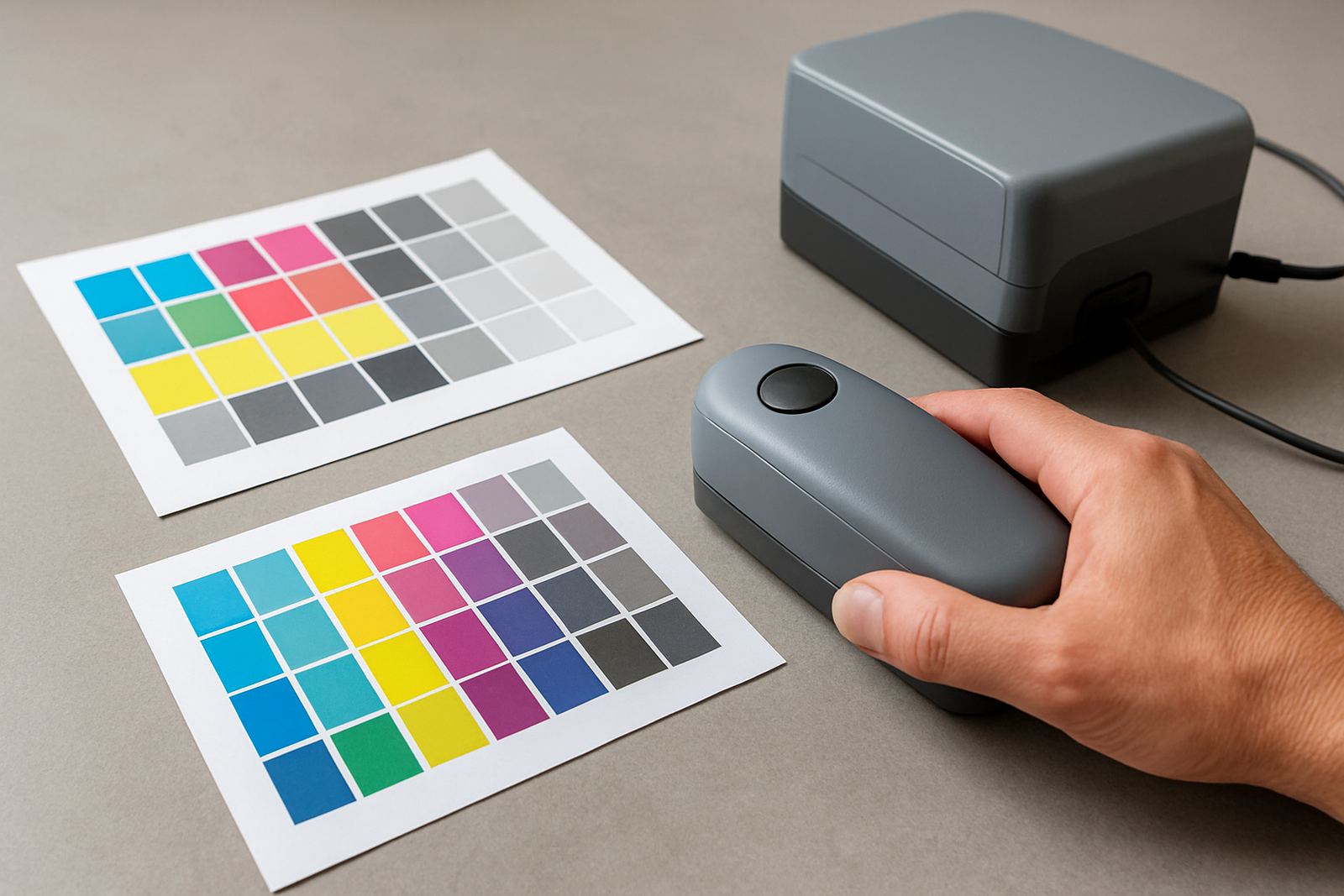
Look at the skills your operator already has. Can they measure moisture, understand fabric prep, keep records, and handle basic maintenance? If not, build that into your buying decision. Preventive maintenance, regular printhead care and colour calibration should be part of the weekly routine, not only something you do after a breakdown. Small checks save a lot of Rand over time.
- Use a simple daily checklist for cleaning and nozzle checks
- Train at least two staff members, not one
- Keep spare consumables in a dry, dust-free area
- Schedule maintenance before peak trading days
Use this final buying checklist before you commit
Once you have narrowed the options, ask for a full operating picture. You want to know what the machine needs in power, space, ventilation and consumables, plus how long it takes to get from unpacking to first sale. If you supply South Africa and neighbouring countries, also consider service access, remote support and parts turnaround. A machine is only useful when it is earning, not waiting for a fix.
Before you sign off, compare more than the printer price. Add ink use, pretreatment, curing, maintenance and operator time. The cheapest machine can become the most expensive if it wastes blanks or sits idle. Ask direct questions and keep the answers in writing so your team can compare properly.
- Does it match your daily garment count?
- Can your team handle pretreatment and curing?
- Is backup power needed during load-shedding?
- What does routine maintenance cost each month?
- How quickly can you get support if the machine stops?