
Check Heat, Pressure and Dwell Time Together
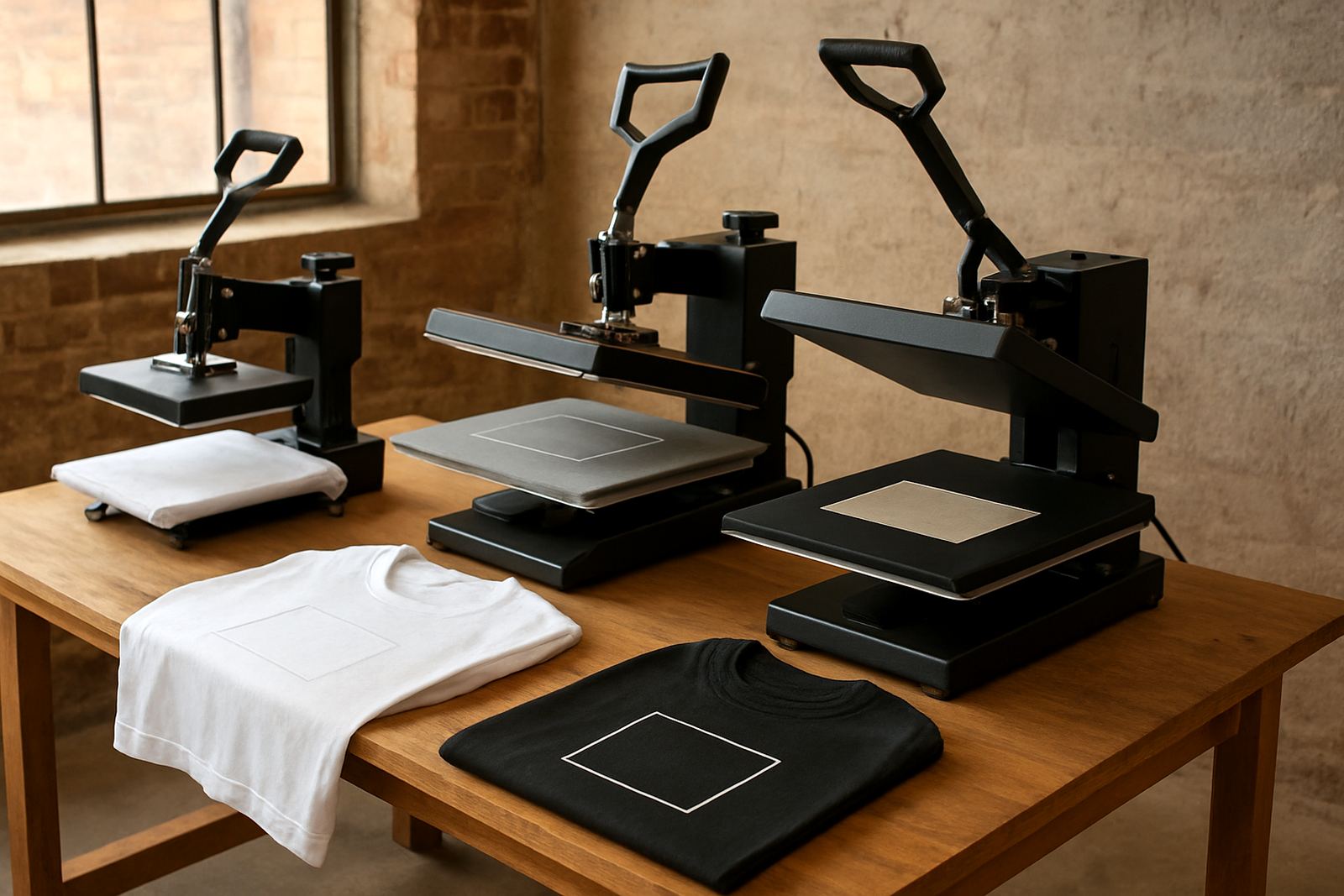
Most application faults come from one of three things: not enough heat, too little pressure, or a dwell time that does not suit the media and garment. Changing just one setting at a time makes fault-finding much faster. If you adjust temperature and pressure together you may fix one issue and create another, which makes the next job harder to read.
For cotton tees, poly blends, caps or stretch garments, the right setting depends on the transfer type and the substrate. Keep written notes for each media and finish. A useful record saves time when the same fault appears again on a busy production day and no one can remember what was changed last week.
- Run a test press on a spare garment before full production.
- Check platen temperature with a separate thermometer if available.
- Confirm even pressure across the full press area.
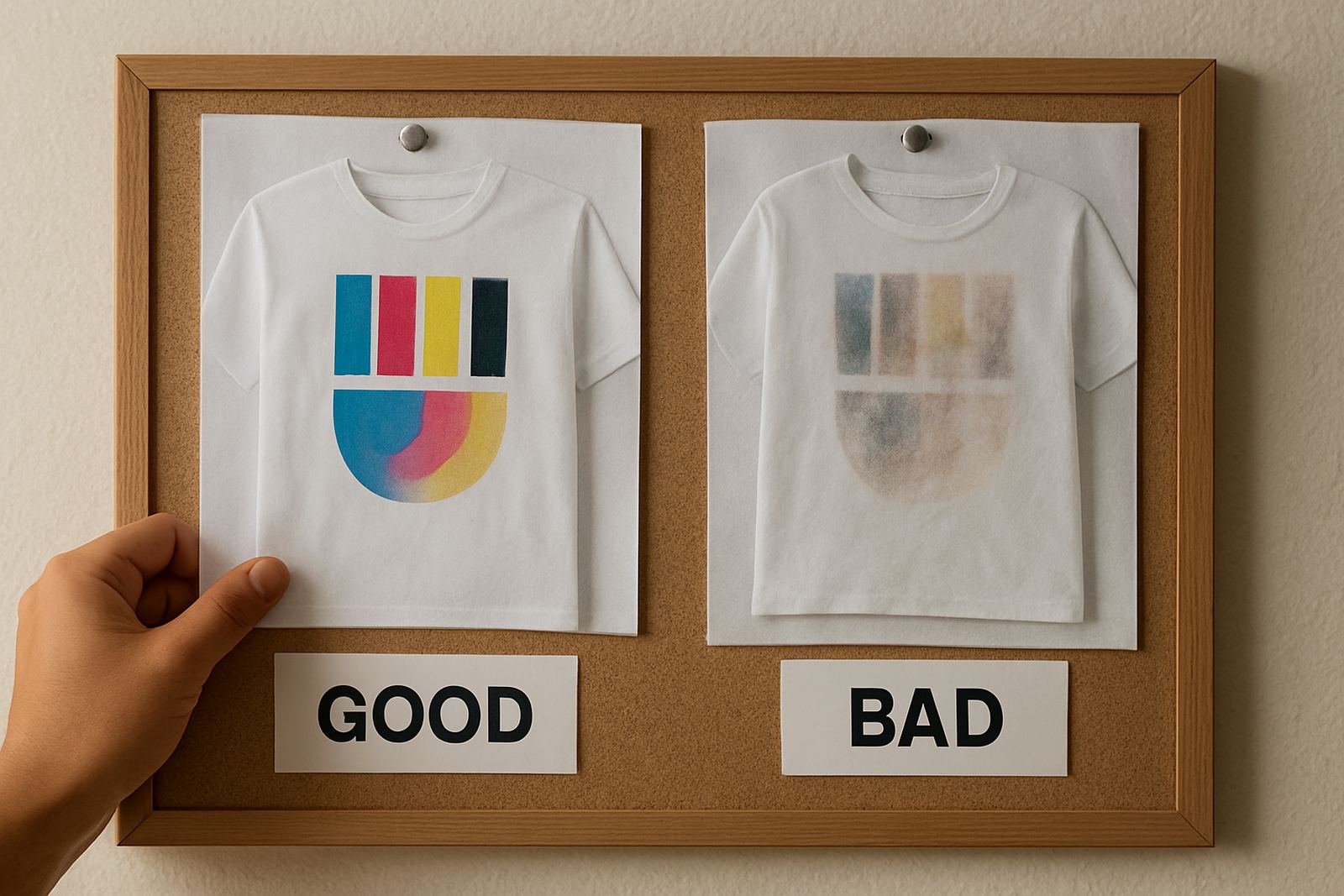
- Watch for scorch marks, shine, ghosting or incomplete release.
When Adhesion Fails After Pressing
If the transfer lifts at the edge, peels after washing or cracks when stretched, the problem is usually adhesion. That can point to low temperature, poor pressure, moisture in the garment, or a mismatch between the transfer and the textile. On labels and small format work, it may also mean the surface coating or adhesive layer is not being activated properly.
Start by checking whether the garment was pre-pressed. A few seconds is often enough to drive out moisture and flatten the surface. Then test another piece with slightly more pressure or a longer dwell. If the result improves, you have isolated the cause instead of chasing random faults.
- Pre-press to remove moisture and wrinkles.
- Check that the garment fibre content matches the transfer method.
- Keep silicone sheets, parchment or release papers clean and dry.
- Allow the transfer to cool or hot peel only as specified by the media.
Fix Colour Shifts, Dull Output and Dirty Whites
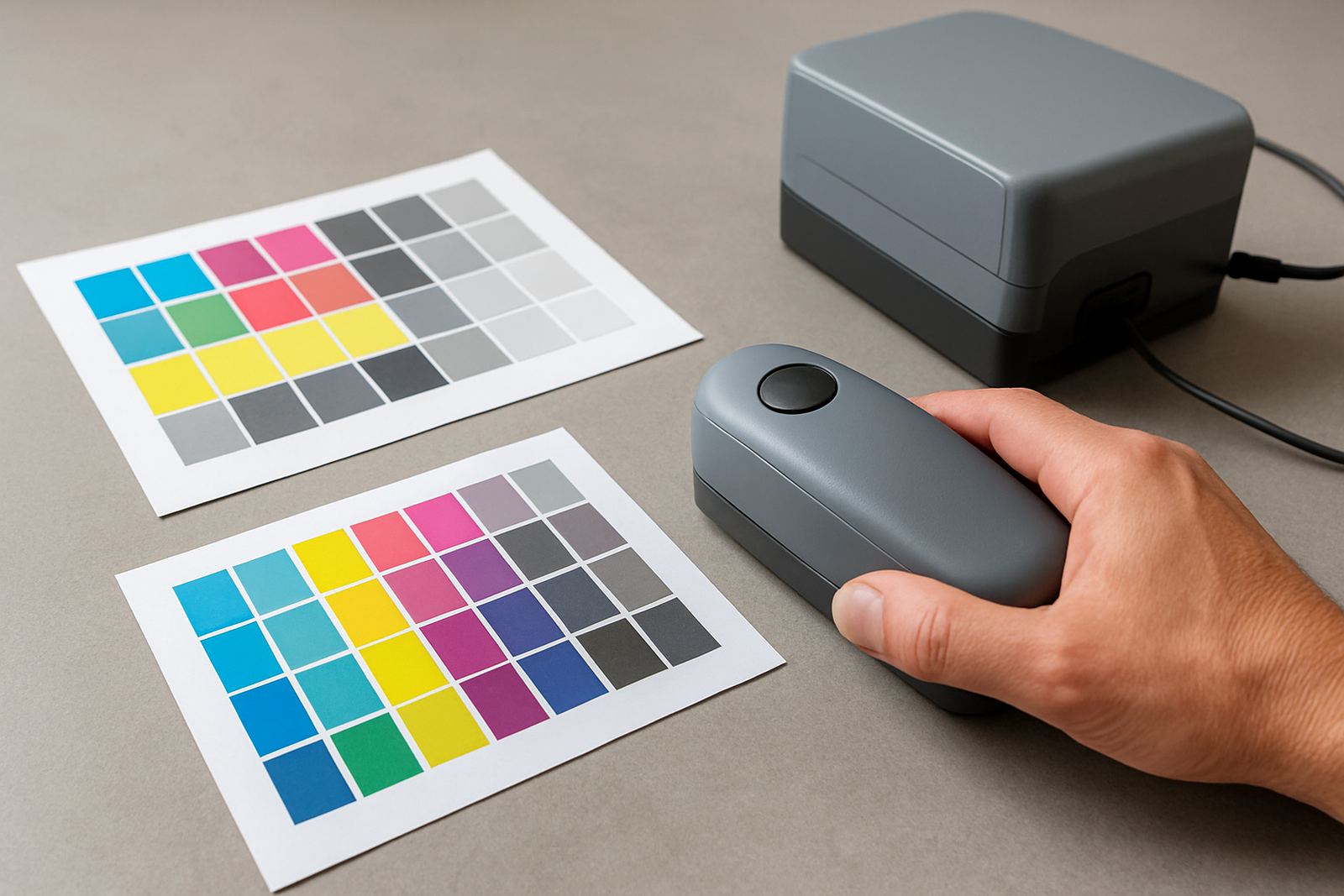
Colour issues are common when the file, printer profile and media are not aligned. A warm press can also change how a colour reads once it is applied, so the output on paper is not the whole story. If a red turns brownish, blues go flat or whites look grey, the fault may sit in profiling, under-curing, or contamination on the press surface.
For shops doing colour work across South Africa and neighbouring countries, it pays to standardise your sample process. Keep one reference garment for cotton, one for poly blends and one for label media. That gives you a clear comparison when a job drifts. It’s a simple habit but it saves plenty of reprints.
- Reprint a small colour test using a known good profile.
- Clean platens, heat plates and surrounding surfaces before testing.
- Check for ink or toner contamination on hands, rollers and covers.
- Store media away from dust, direct sun and high humidity.
Watch for Feeding, Curling and Registration Problems
Feed faults often show up before the transfer even reaches the press. Media that curls, sticks or misfeeds can throw registration off by a few millimetres which matters on labels and small garments. In production, that small shift is enough to ruin a neat finish or create an obvious double image.
If your sheets are curling, check storage first. Keep packs flat, off the floor and away from open doors where dust and damp air can get in. In a Pretoria or East Rand workshop, temperature swings between morning and afternoon can make a stack behave differently from one batch to the next.
- Fan sheets before loading to separate stuck edges.
- Match feed settings to the media thickness.
- Inspect rollers and guides for residue build-up.
- Keep the print path clear of offcuts and loose adhesive powder.
Use a Simple Fault Checklist Before You Call for Help
A quick checklist helps you rule out the basics before you stop production. Most recurring faults come from the same handful of causes, so a calm step-by-step check is faster than guessing. If the fault repeats across two garments and two settings, you likely have a machine, media or workflow issue rather than a single bad sheet.
Keep notes on what changed, who ran the job and what the weather was doing. That sounds small, but in South African production spaces a hot afternoon, a damp morning or a power interruption can change the result enough to matter. Good notes make remote support and on-site service much more useful.
- Print sample checked and approved.
- Media stored correctly and loaded correctly.
- Temperature, pressure and dwell verified.
- Garment pre-pressed and dry.
- Platen, press and tools clean.
- Reference sample kept for comparison.
When to Bring in Technical Support
If you have checked the print, the press and the media but the fault keeps returning, it is time to look deeper. A worn heat plate, uneven pressure, calibration drift or a printhead issue can create the same symptoms again and again. In that case, replacement parts or operator changes alone will not solve it.
For print shops in Midrand, Sandton, Pretoria, the East Rand or further afield, support should focus on the whole workflow: machine condition, consumable choice, media profiling and operator habits. That approach reduces waste and helps keep short-run colour work consistent from one batch to the next.
CMYK Industries supports machine installation, operator training, preventive maintenance, breakdown repairs, colour calibration, media profiling, printhead care, remote support, consumable planning and workflow advice for garment decoration and label printing teams across South Africa and neighbouring countries.