
Start with your daily output, not the brochure figures
Before you compare transfer printers, work out how many prints you need on a normal day, then add a buffer for busy weeks. A shop doing 20 to 40 garments a day has very different needs to one pushing 200 plus pieces across T-shirts, bags and workwear.
In Midrand, Sandton or Pretoria, many shops also need to factor in rush jobs, courier cut-offs and load-shedding. A machine that looks fast on paper can still slow you down if it cannot keep white ink moving or if it takes long to recover after a pause. That is where practical output matters more than headline speed.
- Count average daily prints over 2 to 4 weeks.
- Allow extra capacity for weekends, promos and school events.
- Check if your work is mostly small logos, full-front transfers or mixed sizes.
- Ask how much setup time each job takes between runs.
Match print width and media to the jobs you sell
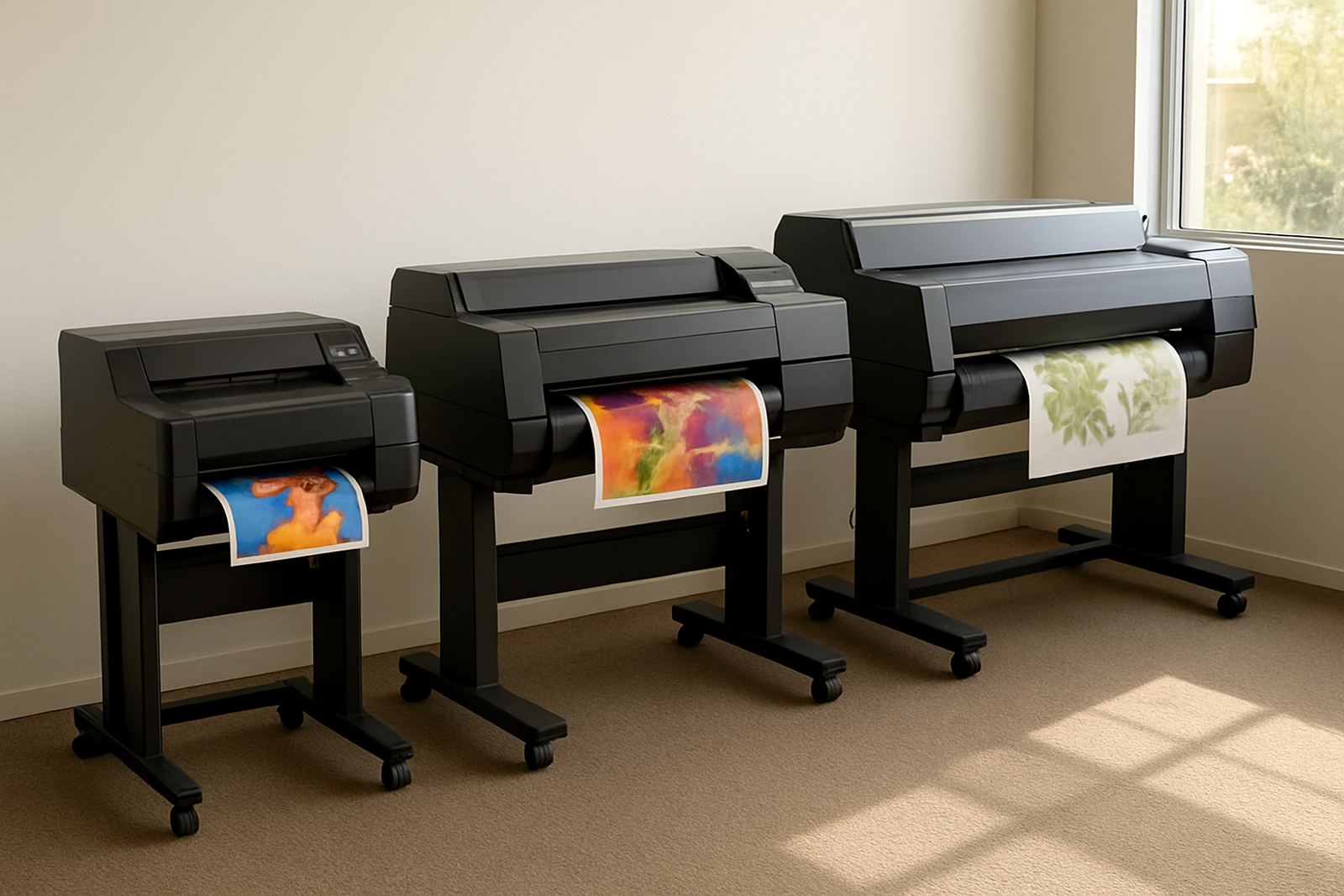
Film width should suit the garments and graphics you produce. If you mainly print chest logos, left breast marks and sleeve branding, you may not need a wider machine. If you handle full front artwork, larger fashion pieces or multiple-up gang sheets, extra width can save film and reduce joins.
Also look at the media path and how well the printer handles transfer film in Johannesburg’s drier winter months and coastal humidity when you ship to Durban, Gqeberha or further north. Film that curls or picks up dust will give you grief at the powdering and curing stage, so the feed path needs to be stable.
- Check the maximum print width against your most common artwork size.
- Ask whether the machine handles roll media consistently over long runs.
- Make sure the film, powder and curing process work together.
- Confirm whether your applications need single sheets, roll-to-roll or mixed use.
White ink handling can make or break your workflow
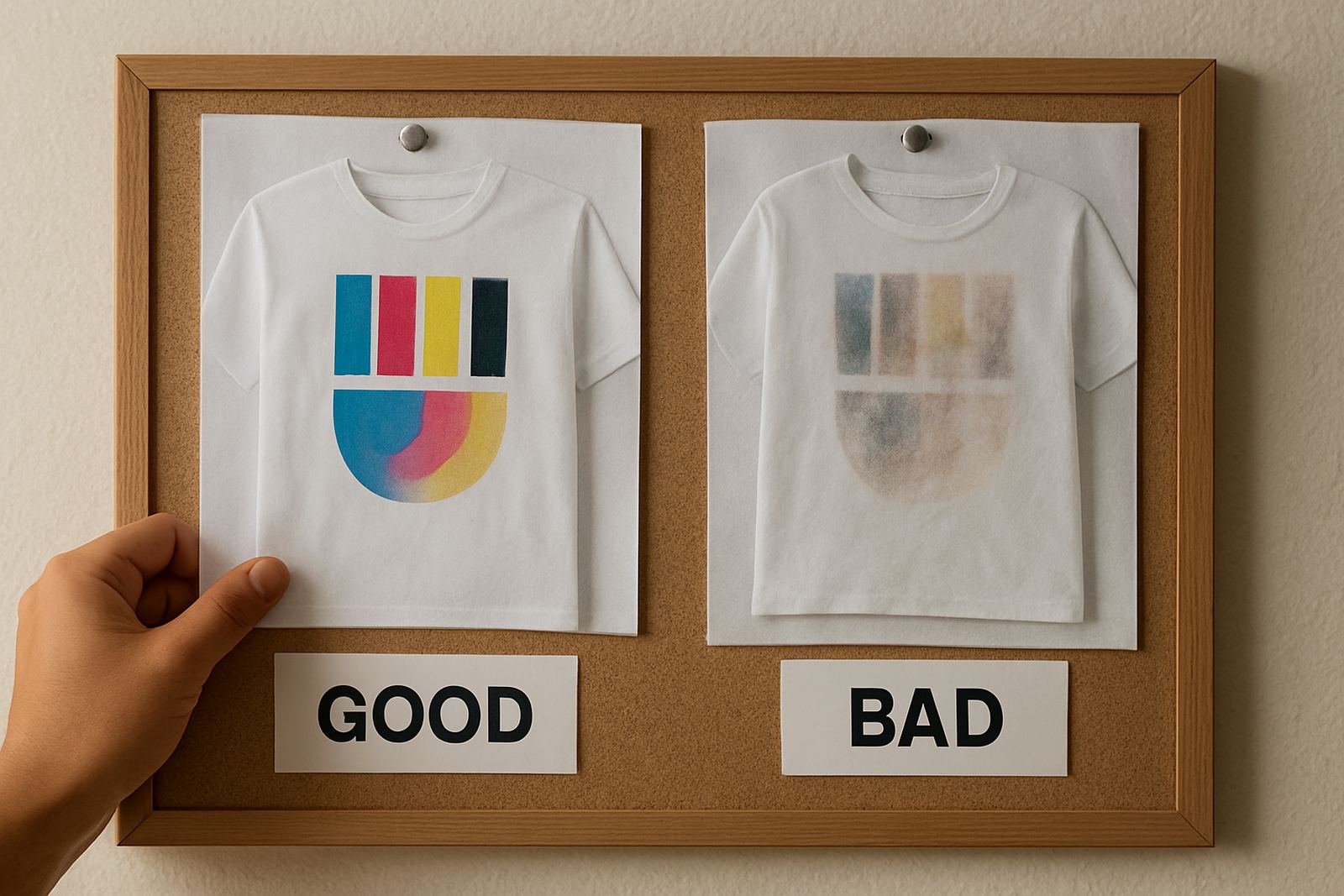
DTF printing depends heavily on white ink, so the printer’s circulation and maintenance routine are just as important as image quality. If white ink settles too fast or blocks too often, your team will spend more time cleaning than printing. That means lost production and more consumable waste.
Look for a machine that keeps white ink moving properly and allows sensible cleaning routines at the start and end of the day. In South Africa, where power cuts can interrupt production without warning, it helps if the printer can recover cleanly after a stop-start shift rather than needing a full strip-down.
- Ask how white ink is circulated when the machine is idle.
- Check what daily, weekly and monthly cleaning is required.
- Find out how easy it is to prime the system after downtime.
- Confirm the cost and availability of printheads, dampers and cleaning supplies.
Compare running costs, not only purchase price
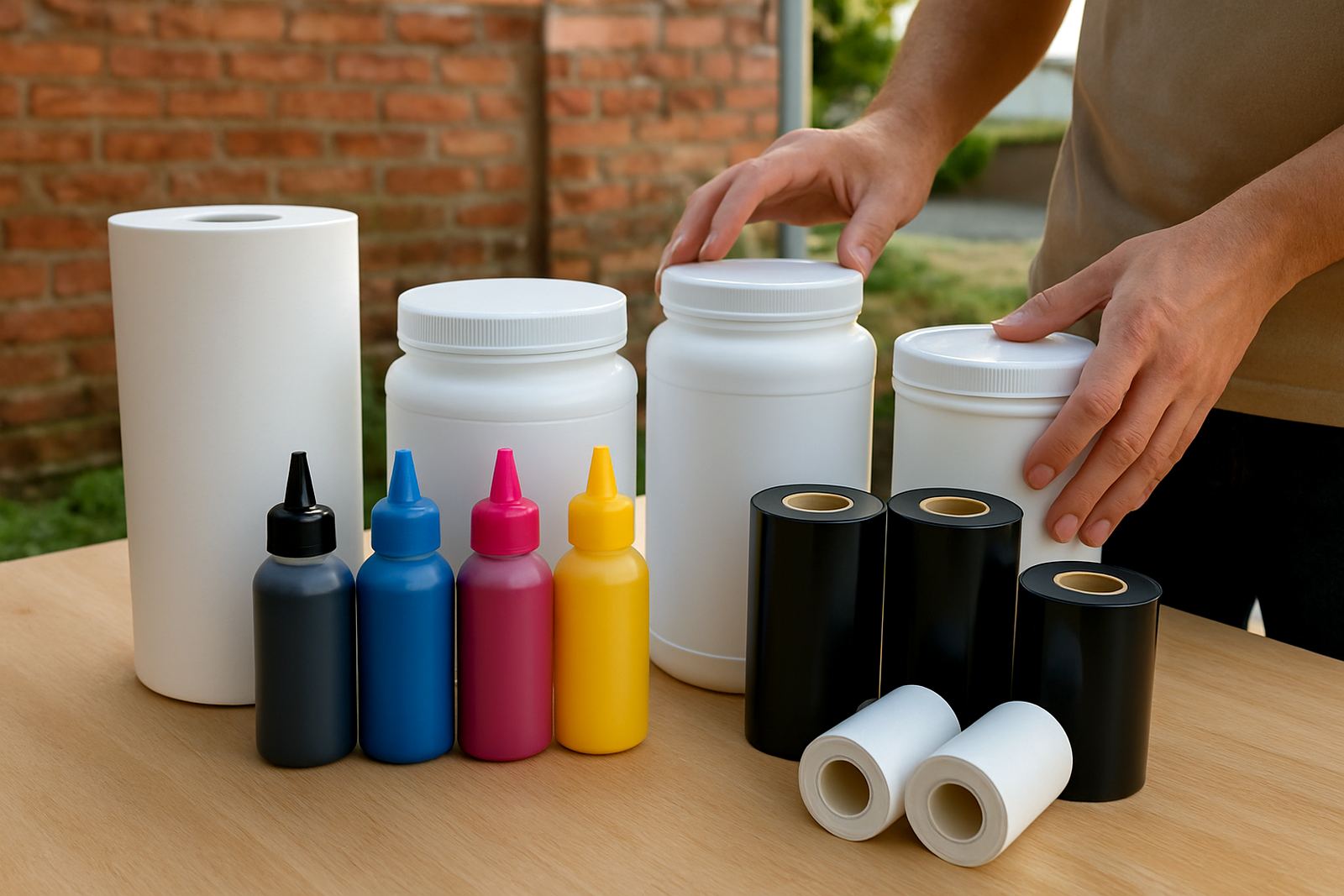
A printer that costs less up front can end up costing more once you add ink, film, powder, power use and maintenance. Short-run colour work is often won on unit cost, so you need a proper view of what each A3 or roll job will cost to produce.
Ask for realistic figures on consumable use and maintenance intervals. If you are quoting for resellers, schools, sports clubs or corporate orders, even a small saving per print can improve your margin. It also helps to budget for spare parts and a backup plan, because waiting three days for one small item can stall the whole floor.
- Work out cost per print on your most common design sizes.
- Include ink, film, powder, electricity and waste in the calculation.
- Ask what consumables are stocked locally in South Africa.
- Set aside a maintenance budget for wear parts and routine service.
Choose support that keeps your press moving
When a printer stops, the real cost is not only the repair bill, it is the orders you cannot finish. For print shops in Midrand, Pretoria, Sandton and the East Rand, supplier support should include installation, operator training and practical fault finding, not just a phone number.
You want someone who can talk through colour issues, media setup and printhead care with your team. If you also supply neighbouring countries, ask how remote support works and whether consumables planning can be done ahead of time so you dont run short in the middle of a batch.
- Check whether installation and operator training are included.
- Ask how breakdown repairs and remote support are handled.
- Confirm response times for urgent production problems.
- Find out if preventive maintenance is part of the service plan.
Use this pre-buy checklist before you sign
Once you have narrowed the options, test each printer against the same checklist. Keep the questions practical and tied to your daily work. If the supplier cannot answer clearly, that is a warning sign.
Pre-buy checklist:
- Does the machine suit your current order volume and likely growth over the next 12 months?
- Can it handle your most common film widths and artwork sizes?
- Is white ink circulation reliable enough for your shift pattern?
- Are ink, film and spare parts available locally?
- Will the supplier assist with setup, colour calibration and workflow advice?
- Do you have space, ventilation and power backup sorted at your premises?
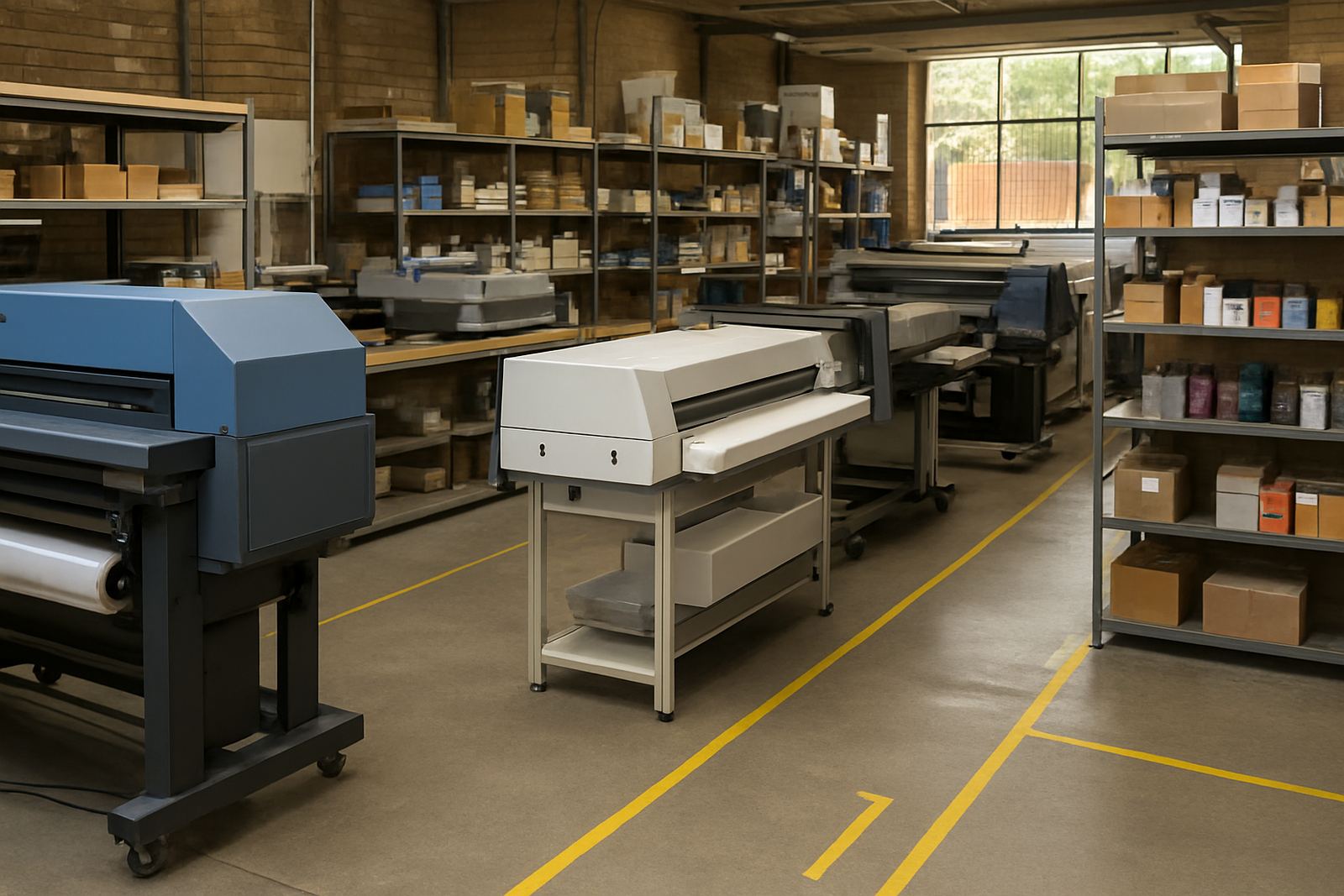
It is worth checking the floor space too. Some print rooms in industrial areas around Johannesburg have tight benches, narrow walkways and shared power lines, so the machine needs to fit the room as well as the job list. A tidy setup makes daily production easier and safer.