A2 Film Printing For Larger Transfers
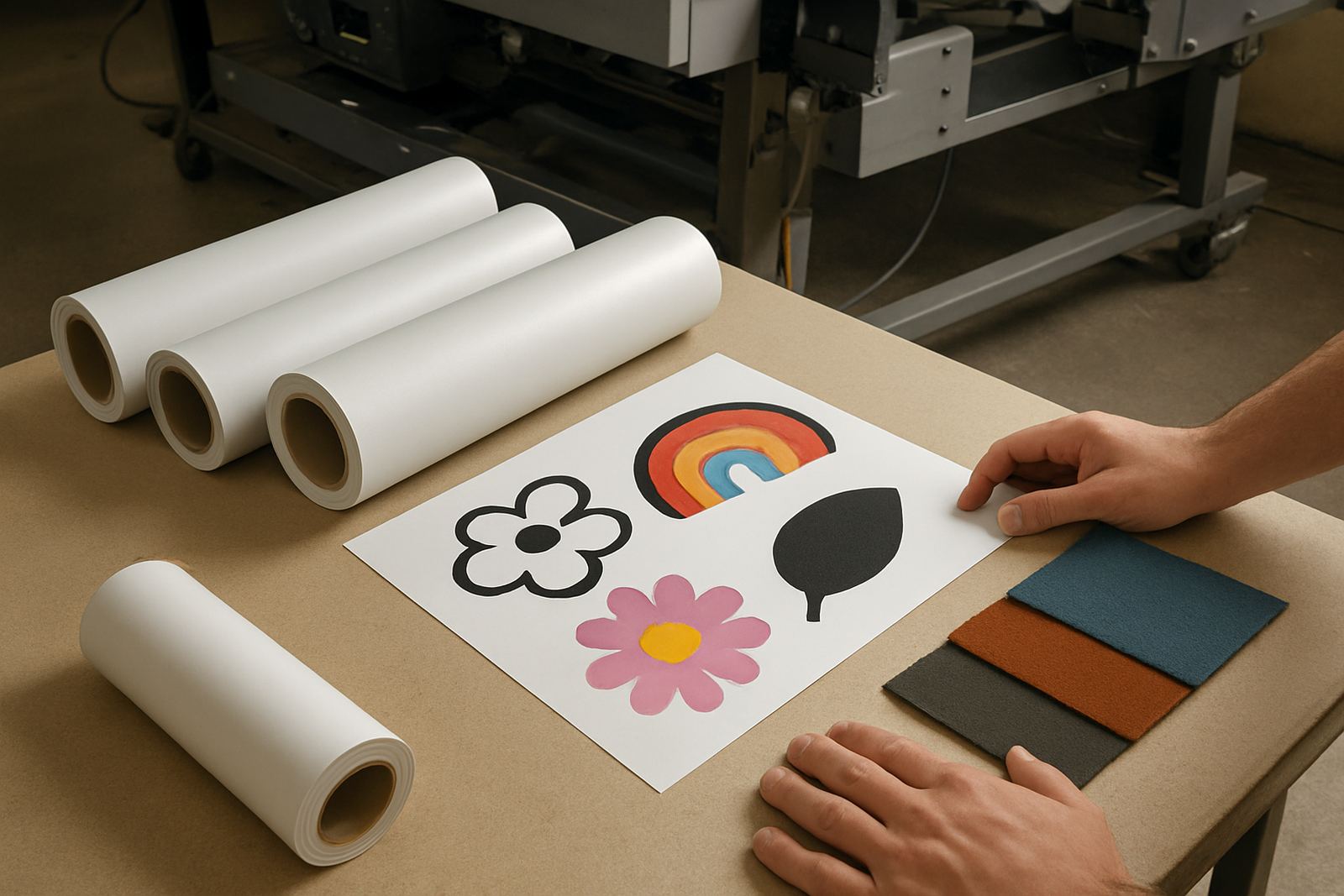
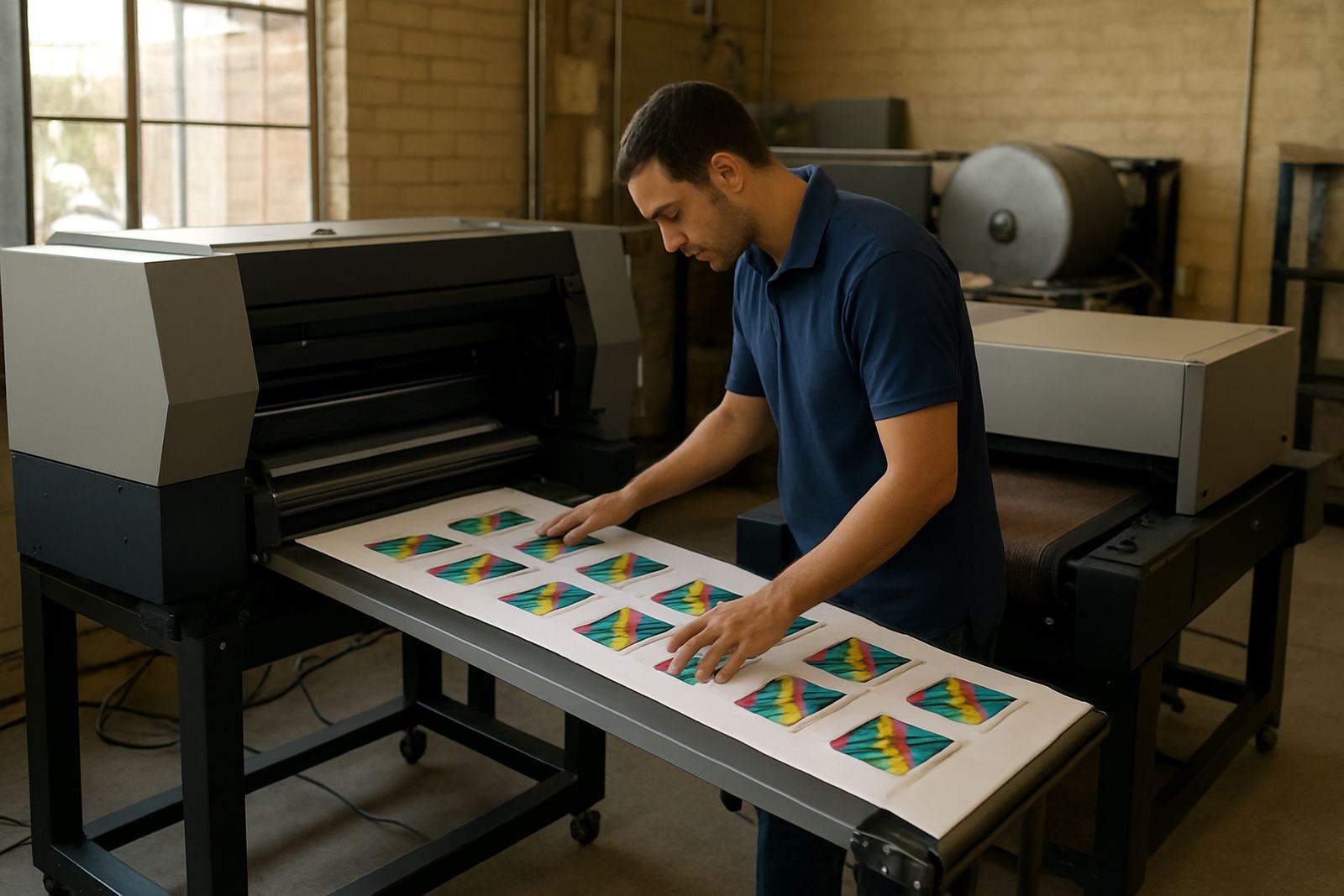
An A2 DTF printer is a direct-to-film machine sized for wider sheets and longer gang runs than smaller desktop units. In practical terms it gives you more room on the film, which helps when you are printing larger artwork, multiple smaller logos, or mixed orders for schools, teams and corporate apparel. For shops in Johannesburg, Pretoria, Durban or Cape Town that are pushing steady daily volume, that extra width can make planning simpler and reduce reprints.
It is a better fit where you need repeatable colour on film before powdering, curing and heat pressing onto cotton, poly-cotton and many synthetic blends. For garment decorators, label producers and short-run promo printers, this format is useful when jobs change often and turnaround matters. The printer is intended for indoor production spaces with controlled dust levels and normal workshop power, not open-to-weather areas.
- Suitable for A2 width film and mixed artwork layouts
- Good for short-run and repeat colour work
- Works for garment transfers, labels and promotional applications
Typical Specs And Build Options
Specifications vary depending on the printhead configuration, ink set and media handling setup. When comparing options, look closely at print width, print speed, head count and the drying arrangement. A good A2 unit should handle a sensible daily workload without constant babysitting, especially in shops where one operator may run the machine while also pressing and packing orders.
- Print width: A2 format, typically around 420 mm usable width
- Media: PET transfer film in sheet or roll-fed format depending on setup
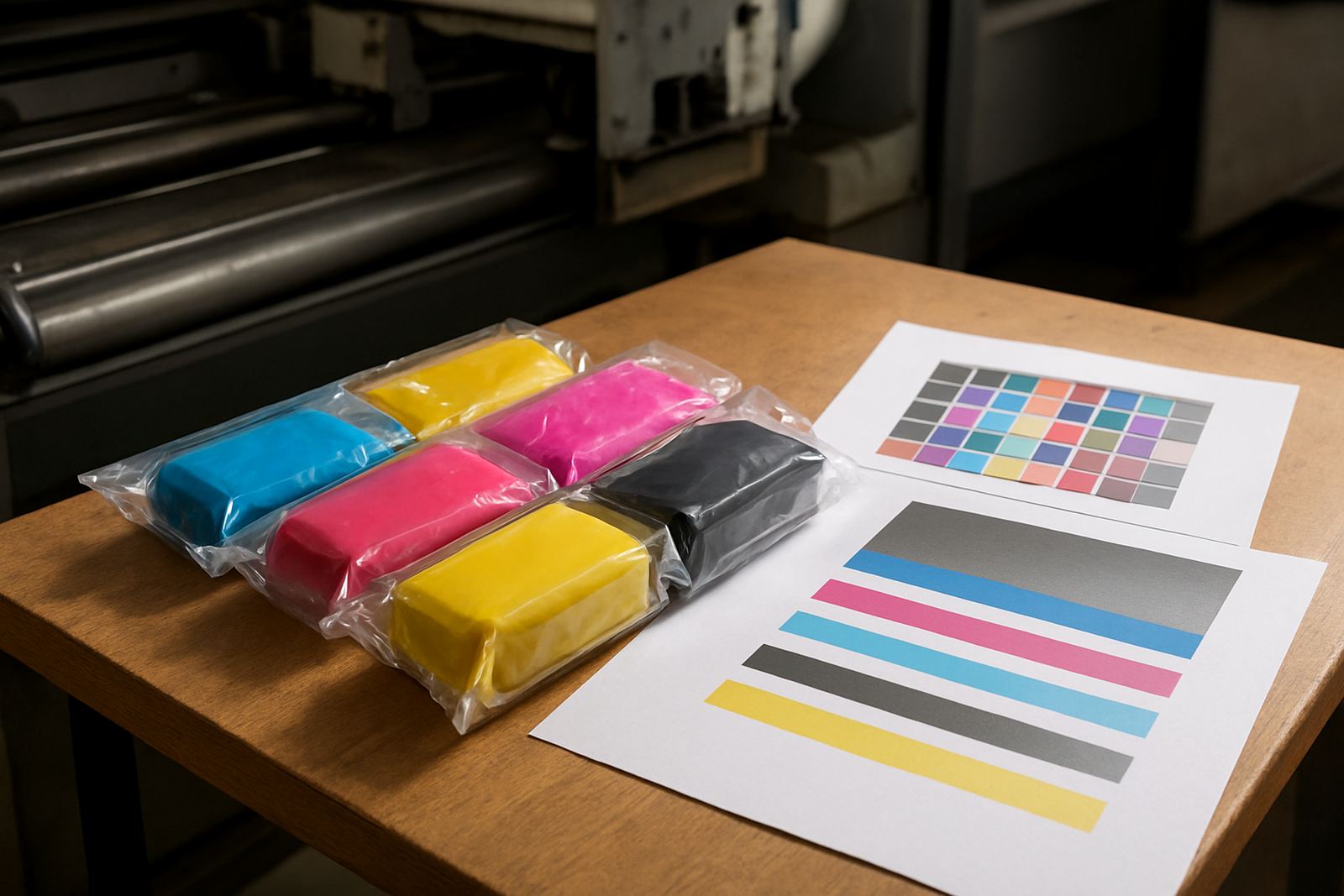
- Ink system: CMYK plus white, with recirculation support for white ink
- Resolution: up to high-detail output for text, logos and fine edges
- RIP compatibility: colour management and nesting for gang sheets
- Electrical: standard single-phase workshop power, no gas supply required
There is no gas requirement for this class of printer. You do need stable electricity, clean air and enough space around the machine for film loading, drying and finishing. In many South African workshops, the practical concern is not only power cuts but also surge protection and generator or inverter planning during load shedding. If the area has frequent interruptions, it is worth checking whether the printer, curing unit and extraction equipment can all run safely on backup power.
Where The A2 Format Fits Best
This printer suits shops that are already producing for apparel decorators, DTF resellers, embroidery houses and label businesses that need an added digital transfer stream. It works well for order profiles where the artwork changes daily and the average run is not large enough to justify offset or screen setup. In Midrand and surrounding industrial areas, many users want a machine that can keep up with school leavers, sports clubs, churches, tavern merchandise and staff uniform orders all in the same week.
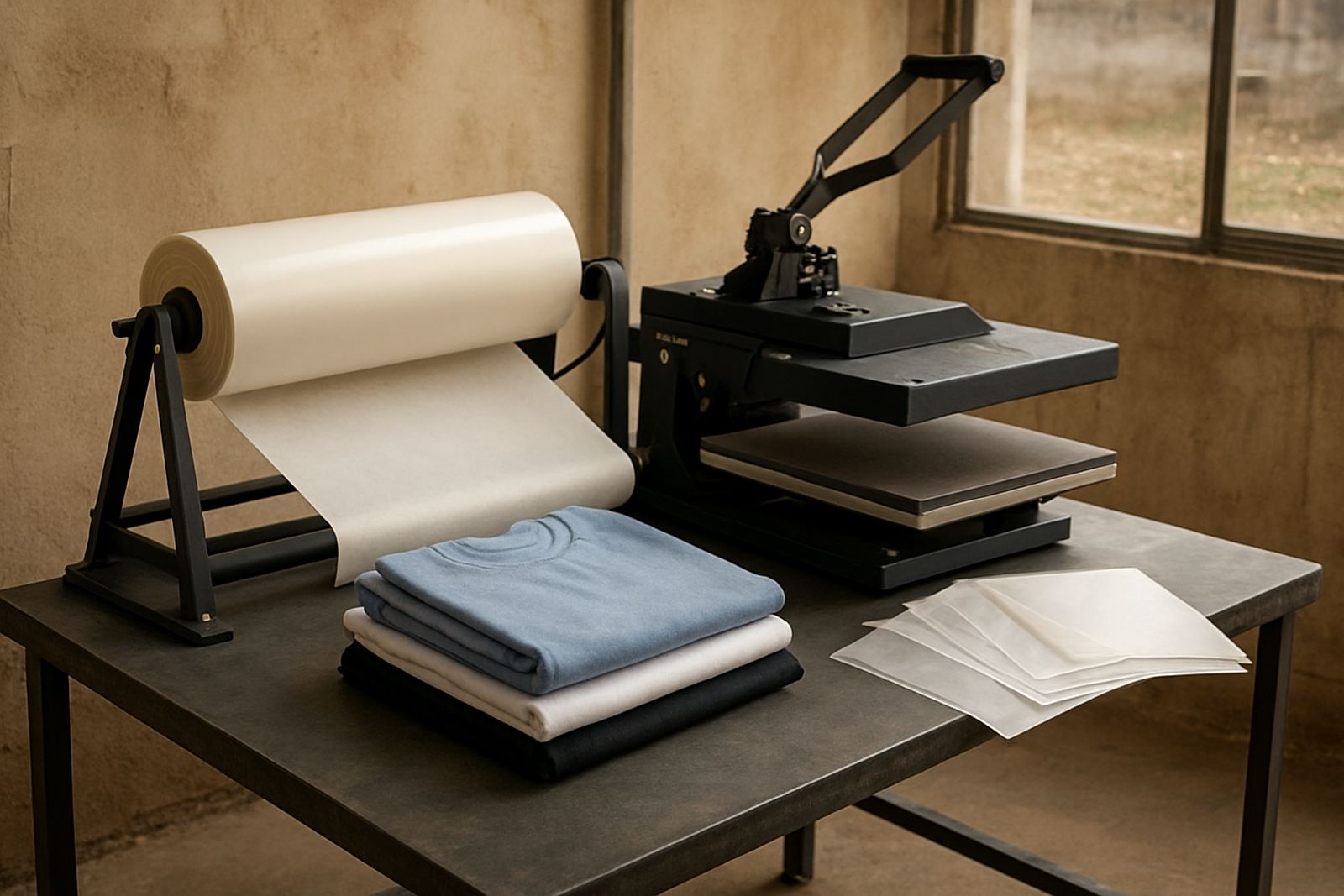
The A2 format is also useful where floor space is limited. You get a meaningful output gain without needing the footprint of a very large roll-to-roll system. If your work includes heat press application on site, the printer can sit alongside powdering and curing equipment, with the transfer workflow moving in a straight line. That helps reduce handling errors and keeps production moving even when one person is doing more than one role.
- Print shops adding DTF alongside screen print or sublimation
- Apparel decorators handling mixed colour jobs and reorders
- Label and promo teams needing controlled short runs
- Operations with moderate daily demand and limited space
Installation, Power And Workshop Setup
Installation should be done on a level surface with enough room for access at the rear and sides. The printer must be placed away from open windows, dust and direct sun. In coastal areas, humidity control matters because moisture affects film behaviour, powder curing and white ink stability. In Gauteng, dry air and dust can be just as troublesome, so the workshop still needs sensible cleaning and airflow.
Power needs are usually straightforward for this category, but they should not be underestimated. A stable single-phase supply is normally preferred and surge protection is strongly recommended. If the shop uses a backup system during load shedding, confirm the inverter or generator can handle the printer, dryer and any extraction units together. No gas connection is required. Good cable routing, proper earthing and labelled switches make maintenance easier and reduce shutdown risk.
- Level floor and vibration-free placement
- Temperature and humidity control where possible
- Clean power with surge protection
- Space for film feed, curing and finished stock
For shops in Sandton, Midrand and the East Rand, installation timing is often linked to production peaks. It is worth planning the delivery and setup around your busiest weeks so the team can be trained before orders pile up.
Care, Colour Control And Servicing
DTF output depends heavily on regular care. White ink must be circulated and checked daily, printheads need the correct cleaning routine and the film path should stay free of powder, lint and dried ink. Operators should keep an eye on nozzle checks, head height and curing temperature. If the printer sits unused for long periods, clogging becomes more likely, especially when the shop is cold in winter or overly dry from air conditioning.
Colour consistency is another important part of the job. For repeat work, colour calibration and media profiling help keep reds, blues and dark corporate shades closer from run to run. That matters when you are reprinting the same school logo or brand mark months later. Preventive maintenance is usually cheaper than repairing a blocked head or replacing parts after a long shutdown.
- Daily nozzle checks and white ink circulation
- Regular head cleaning and capping station care
- Monthly inspection of dampers, wipers and film path
- Periodic colour calibration and media profiling
Our team supports machine installation, operator training, preventive maintenance, breakdown repairs, printhead care and remote support. If your shop is running under pressure, quick advice on workflow and consumable planning can prevent a small fault from turning into a lost week.
What To Confirm Before You Order
Before placing an order, check the real production needs of the shop rather than only the brochure figures. Think about the average daily metres, the kind of artwork you print, whether you need sheet-fed or roll-fed handling, and how much white ink traffic the machine will see. If you plan to run labels as well as apparel transfers, confirm the media path and drying method suit both jobs.
You should also confirm who will operate the printer, because the right machine for one trained operator may be too involved for a casual team. Ask what spare parts, inks and consumables are required at startup, and whether installation includes colour setup and basic training. For shops outside Johannesburg, it is worth checking delivery access, offloading arrangements and how quickly support can reach you if a fault appears.
- Confirm print width, head setup and expected daily volume
- Check power supply and backup arrangements
- Ask about startup consumables and spare parts
- Confirm training, installation and support scope
If you need an A2 DTF printer for South Africa or neighbouring markets, our Midrand team can assist with the right configuration for your work. We support branches and supply routes into Sandton, Pretoria, the East Rand, the West Rand and wider Southern Africa.
Key facts
| Format | A2 direct-to-film printer |
|---|---|
| Usable print width | About 420 mm |
| Ink set | CMYK plus white |
| Media | PET transfer film |
| Power | Standard single-phase workshop supply |
| Applications | Garment transfers, labels, short-run colour work |
| Support | Installation, training, maintenance and remote assistance |